LiveReload and Auto-save simultaneously in Sublime Text 3
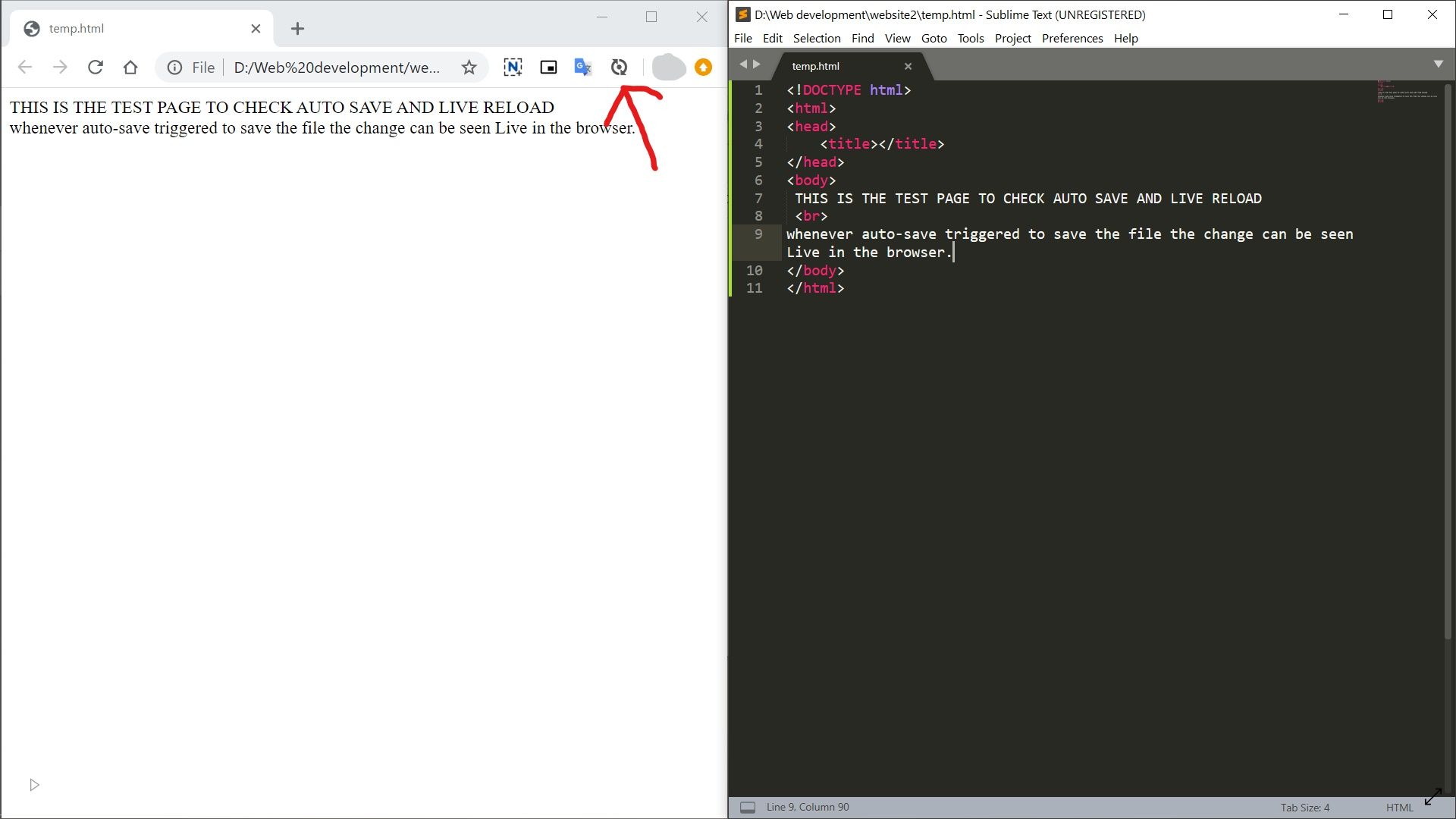
Every front end developer must have encountered the problem that every time the web code is updated in the editor they have to refresh the browser each and every time. It becomes a hectic when the code is updated very often and the result is observed in parallel. So, here's the solution for this problem. This tutorial is for Sublime Text 3 Editor. The solution is to install the LiveReload plugin in Sublime Text 3 and its extension in the browser. Refer for tutorial on installing LiveReload . While writing the website code in Sublime Text 3, it lacks for Auto-Saving the code. Repeatedly saving of code lead to less efficiency of the web coder. To over come this a plugin named Auto-Save can be installed. Refer for tutorial on installing Auto-Save . Now as you have installed Auto-Save and LiveReload plug-in, so whenever auto-save triggered to save the file the change can be seen Live in the browser.
